> For the complete documentation index, see [llms.txt](https://help.arkance-systems.com/document-navigator/llms.txt). Markdown versions of documentation pages are available by appending `.md` to page URLs; this page is available as [Markdown](https://help.arkance-systems.com/document-navigator/licence/trial-verze/ziskani-klice.md).
# Získání klíče
#### Aktivace Trial Licence v Aplikaci
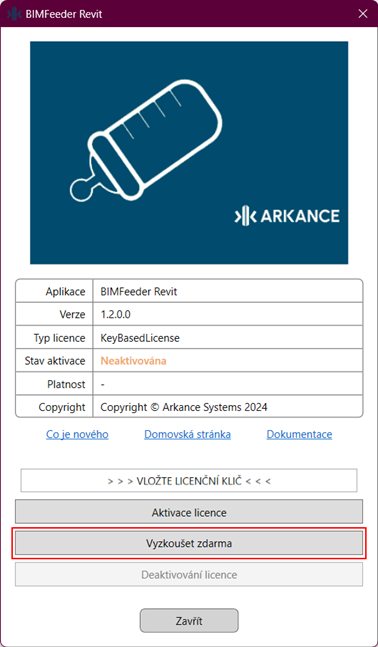
Při spuštění jakékoli funkce bez aktivní licence se zobrazí licenční dialogové okno. Toto okno lze také otevřít kliknutím na tlačítko **O aplikaci** v Revitu nebo **Verze** v Civil 3D na pásu karet.
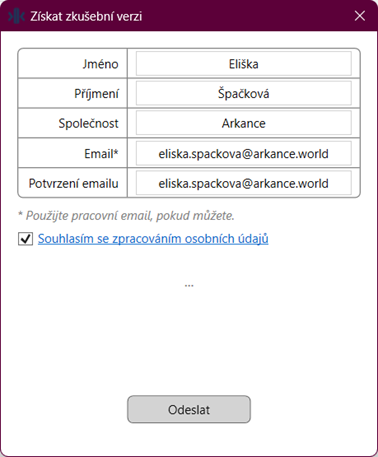
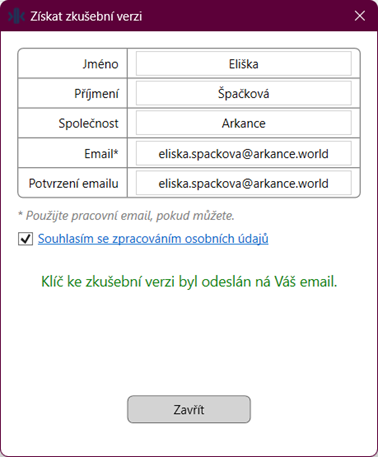
Uživatelé bez aktivované licence mohou vybrat možnost **Vyzkoušet zdarma**. Otevře se formulář, kde je třeba zadat jméno, příjmení, společnost a kontaktní email. Po odeslání formuláře obdrží uživatel na email dočasný licenční klíč k trial verzi.